Features
One shared space for every part of the plan.
Plandra combines chat, decisions, tasks, costs, schedules, photos and memories into one simple event space.
Start with the conversation.
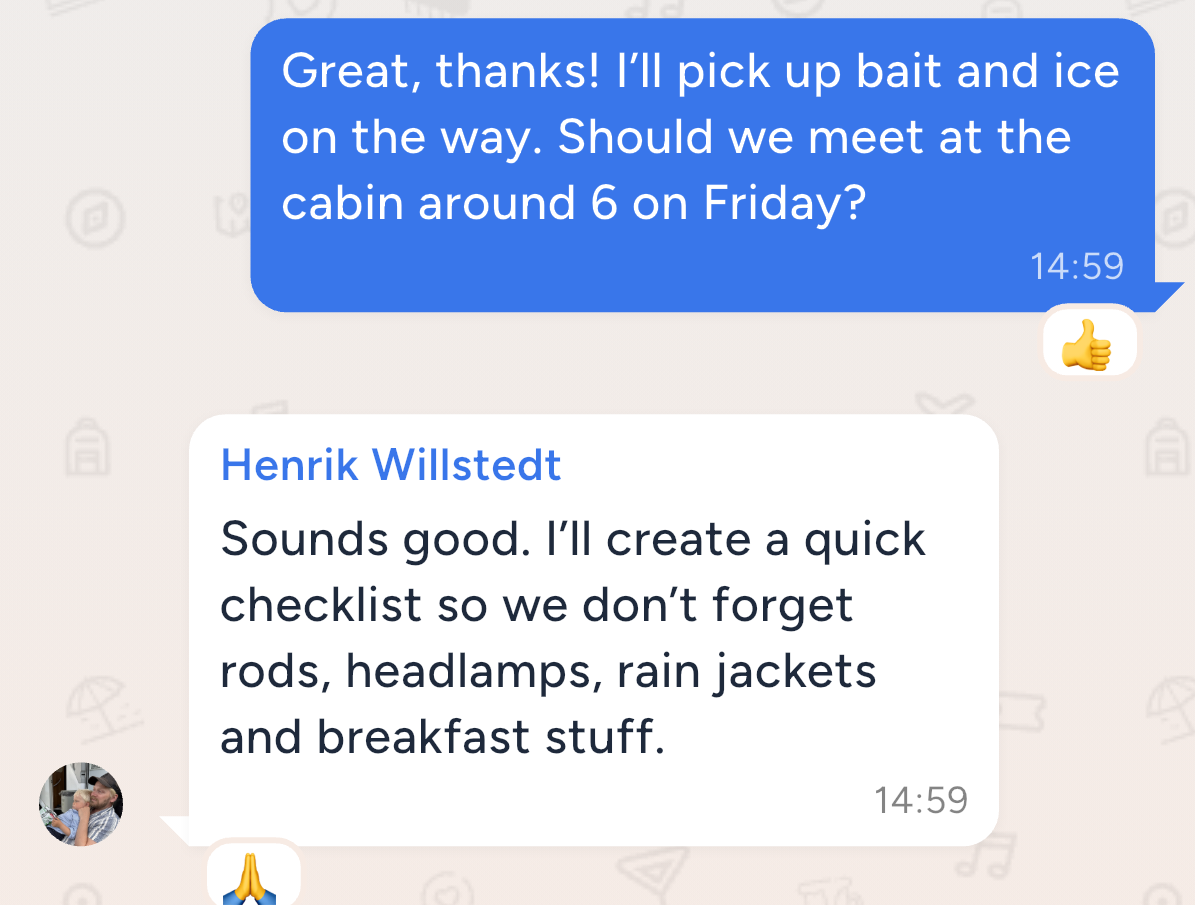
Every event has a shared chat where the group can talk, react and stay updated. Unlike a normal group chat, the important parts of the plan live next to the conversation instead of getting buried inside it.
Use it for: quick questions, updates, reminders, jokes and last-minute changes.
Make decisions without chaos.
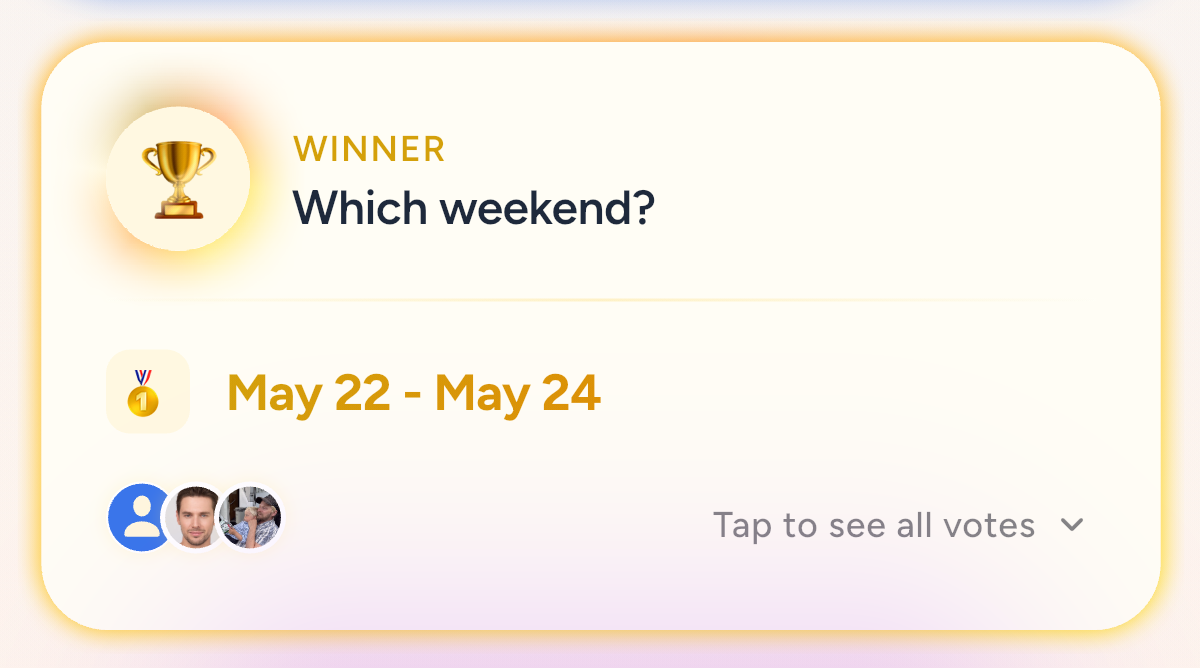
Create polls for dates, times, destinations, restaurants or activities. Everyone votes in one place, and the result stays connected to the event.
Use it for: choosing a weekend, picking a dinner time, deciding between hotels or voting on activities.
Turn “someone should fix that” into a shared list.
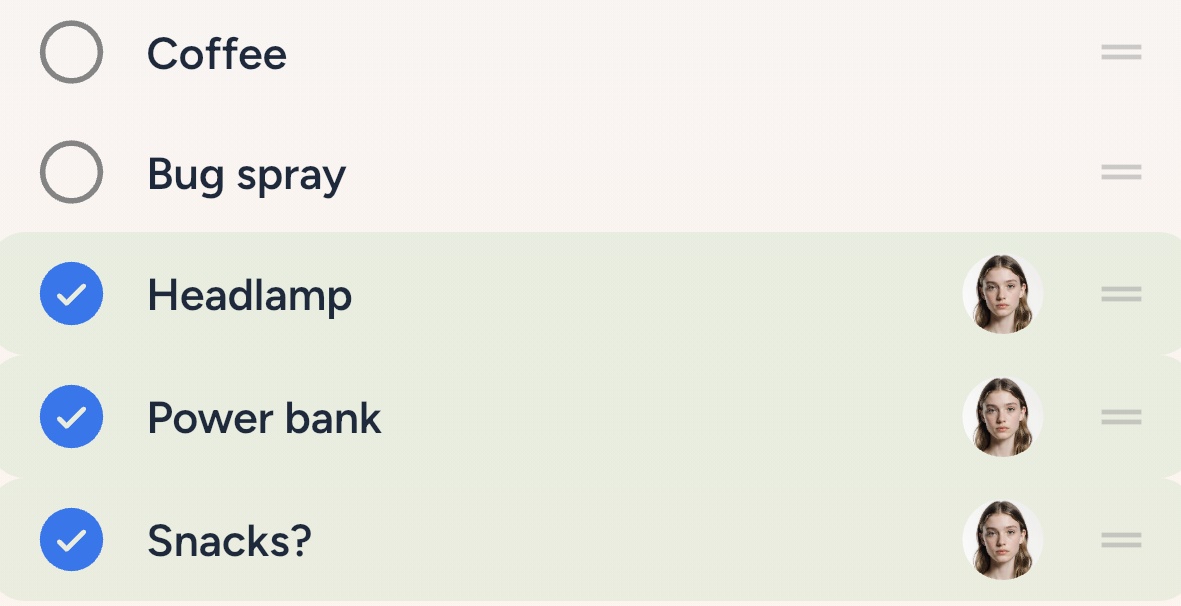
Create checklists for packing, food, tasks, links or responsibilities. Everyone can see what needs to be done and who has handled what.
Use it for: packing lists, potluck food, party tasks, shopping, booking reminders and shared links.
Split costs without the awkward follow-up.
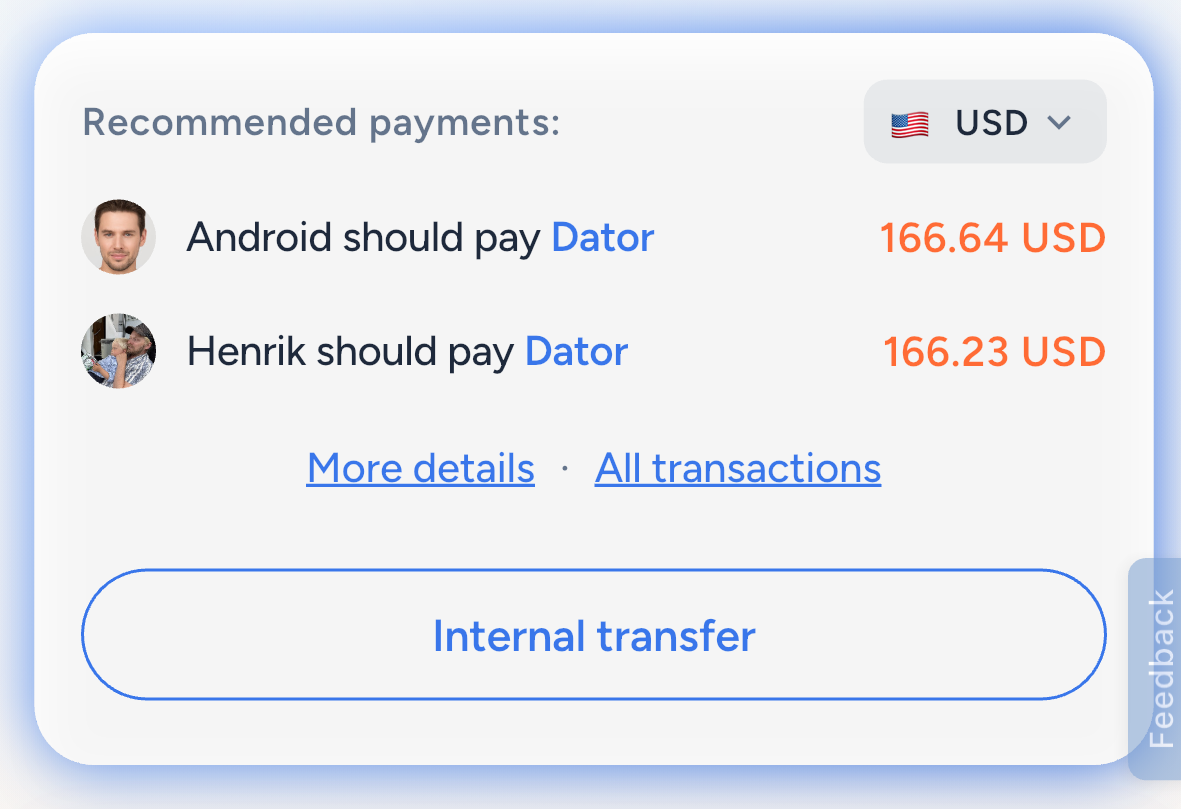
Add expenses, scan receipts and let the group see who owes what. Plandra helps turn shared spending into a clear overview instead of a messy calculation afterwards.
Use it for: restaurants, groceries, taxis, hotels, activities and shared weekend costs.
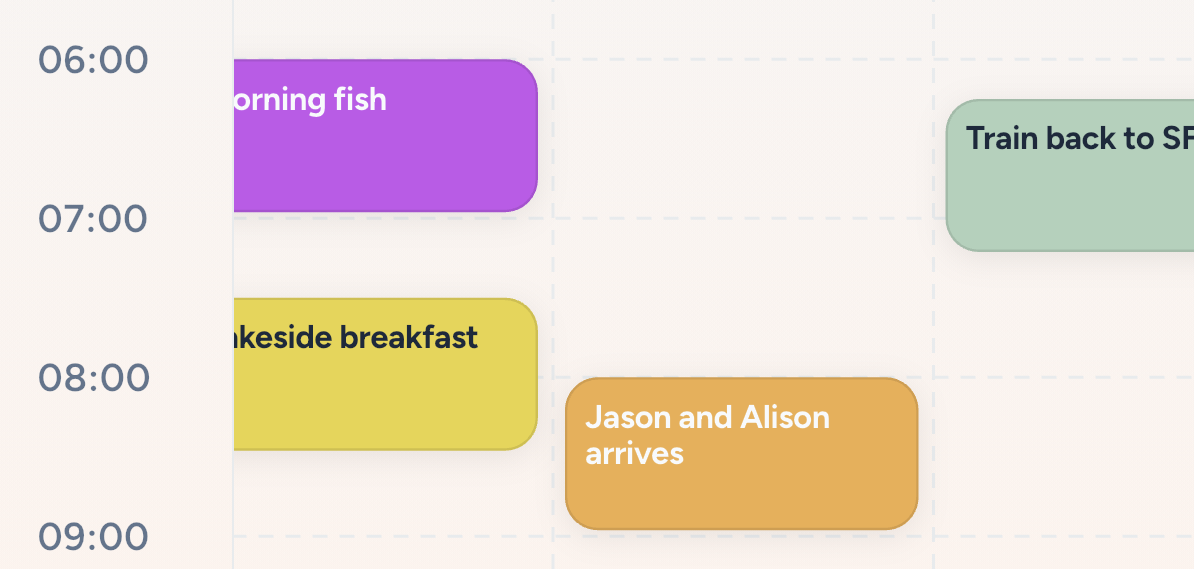
Give the group a plan they can actually follow.
Create a shared schedule for the event and keep everyone aligned on what happens when. Calendar support makes it easier to save important times outside the app.
Use it for: weekend itineraries, dinner timings, golf tee times, spa bookings, travel plans and family holiday schedules.
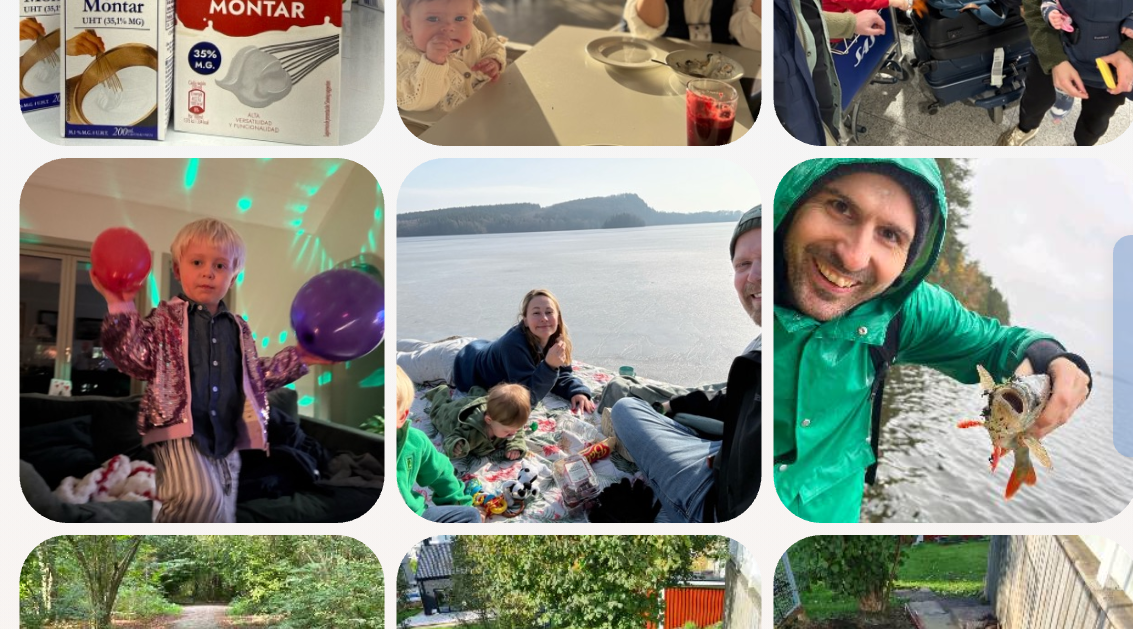
One album for everyone’s photos.
Let the group upload photos to a shared album so memories are collected in one place. No more chasing people for pictures after the trip.
Use it for: trips, parties, holidays, family gatherings and any event worth remembering.
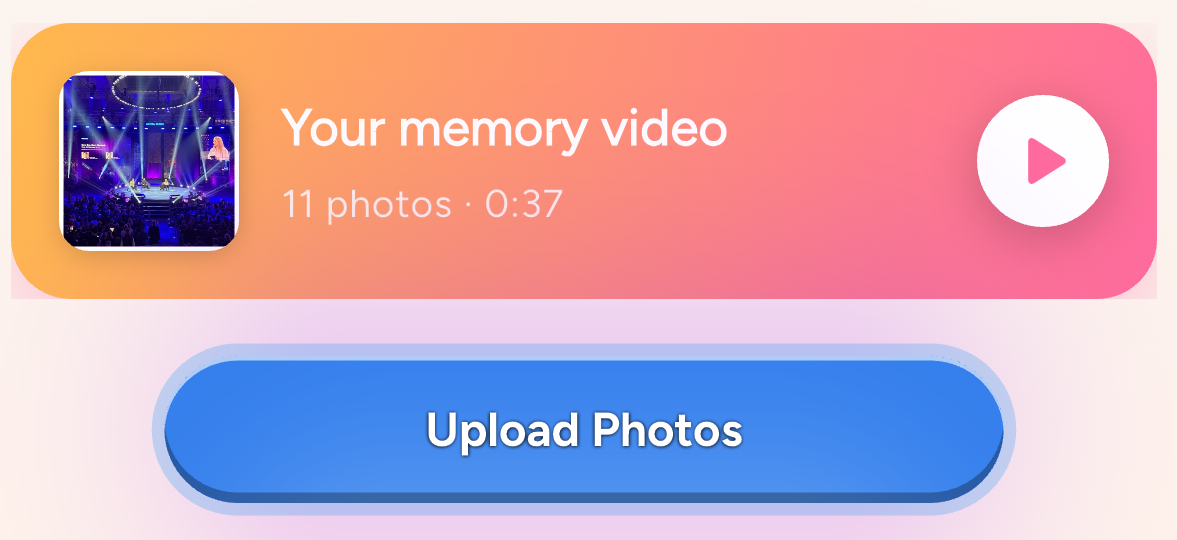
Turn shared photos into a memory video.
After the event, Plandra can automatically create a cozy memory video from the photos your group uploaded. It is a simple way to relive the event and share the feeling afterwards.
Use it for: weekend trips, weddings, bachelor parties, family holidays and dinners with friends.
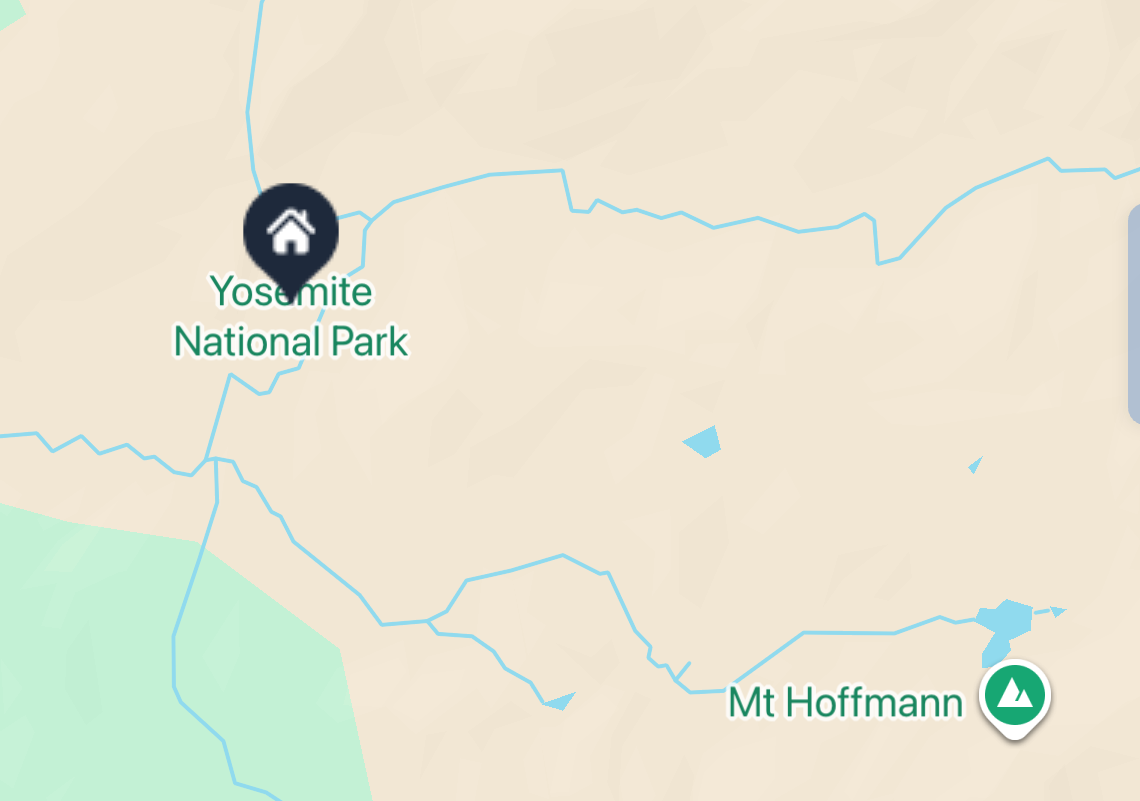
Find each other when plans are moving.
Live location helps the group stay connected when people are arriving, walking between places or splitting up during an activity.
Use it for: festivals, city weekends, golf trips, amusement parks, ski trips and nights out.
Keep important details easy to find.
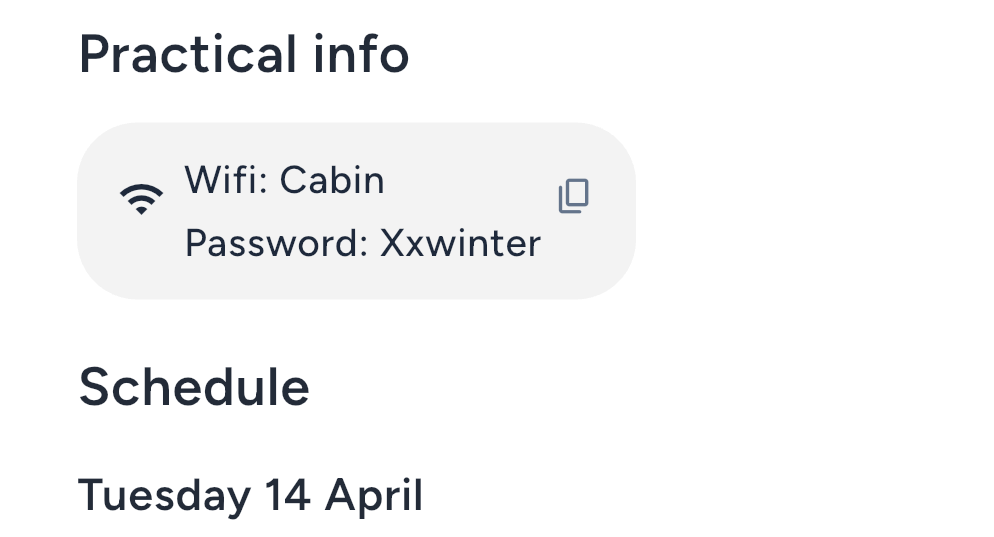
Pin the things people always ask for: addresses, door codes, links, booking numbers, packing notes or meeting points.
Use it for: Airbnb codes, restaurant links, travel documents, parking info, meeting points and shared instructions.
Ask Plannie for planning help.
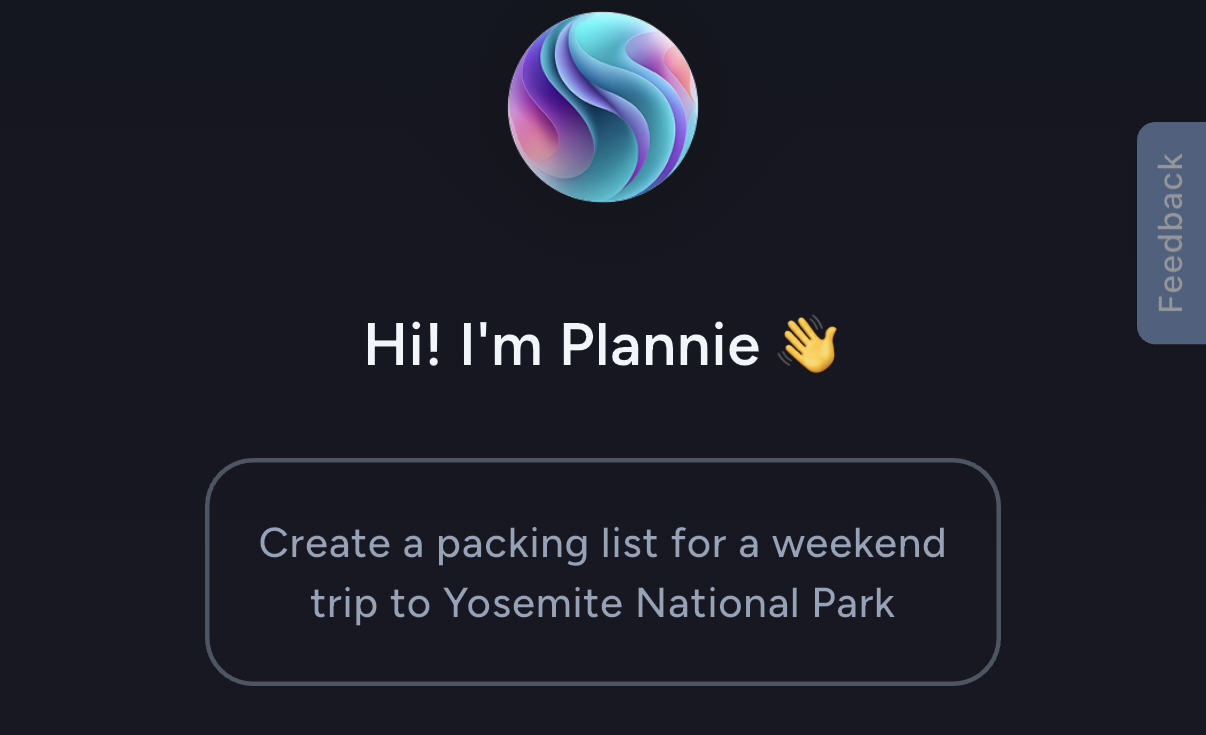
Plannie is Plandra’s AI assistant for event planning. Ask for ideas, suggestions, reminders or help turning a loose plan into something the group can act on.
Use it for: dinner ideas, packing suggestions, activity planning, schedule help and inspiration for your event.
For the people you plan with again and again.
Create groups for families, friend circles, teams or recurring gatherings. Groups make it easier to start the next plan with the people who already belong together.
Use it for: family groups, friend groups, sports teams, recurring dinners and annual trips.
Family · Golf crew · Dinner club
Free for most plans. Pro when you want more.
Plandra is designed to be useful for most groups for free. Plandra Pro adds premium features to selected events, with subscriptions for power users under development.
Today, Plandra Pro is purchased per event. A subscription option for power users is under development.
| Feature | Free | Pro Event |
|---|---|---|
| Create events | Yes | Yes |
| Invite people | Yes | Yes |
| Group chat | Yes | Yes |
| Create polls | Yes | Yes |
| More than 5 polls per event | No | Yes |
| Create checklists | Yes | Yes |
| More than 5 checklists per event | No | Yes |
| Schedule | Yes | Yes |
| Basic expense splitting | Yes | Yes |
| Advanced expense tools | Yes | Yes |
| Receipt scanning | Yes | Yes |
| Photo album | Yes | Yes |
| Memory video | Yes | Yes |
| Plannie AI assistant | Yes | Yes |
| Premium event features | No | Yes |